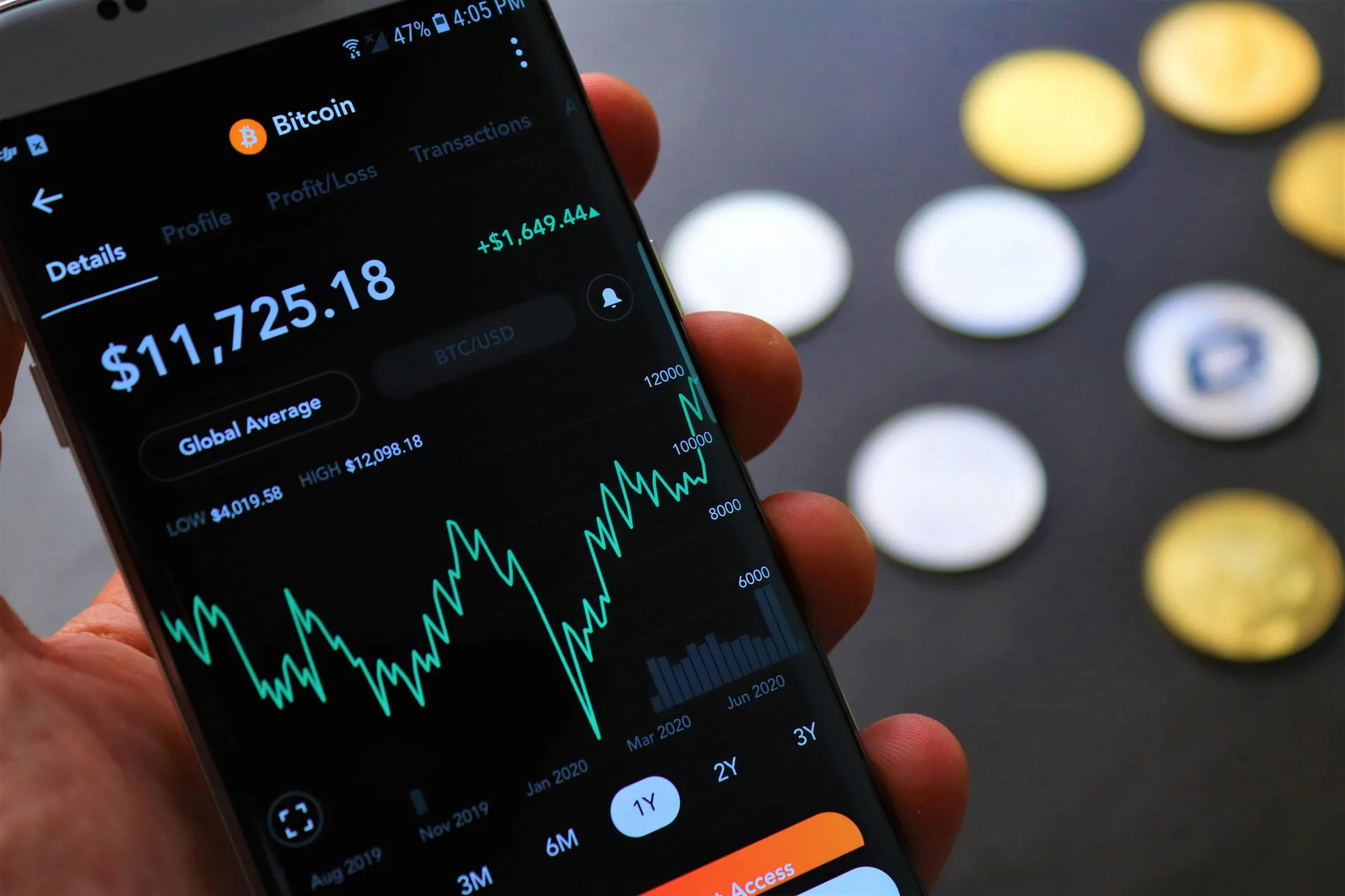
Top DEX scanners for the Solana ecosystem
Top DEX scanners for the Solana ecosystem
Solana moves fast—new pairs, new pools, and new tokens can appear and gain traction in minutes. That speed is a big part of the ecosystem’s appeal, but it also makes research harder. A DEX scanner helps by aggregating on-chain and market signals (pairs, liquidity, volume, price changes, trades, and sometimes holder data) into a single interface.
This post breaks down what Solana DEX scanners do, what features matter most, and how to use scanner data in a practical workflow—especially if you’re trying to avoid common pitfalls like thin liquidity, misleading volume, or confusing token metadata.
What a Solana DEX scanner is (and what it isn’t)
A Solana DEX scanner is a tool that monitors decentralized exchange activity and token markets on Solana. Depending on the product, it may:
- List newly created token pairs and pools
- Track price, volume, liquidity, and market cap estimates
- Show recent trades (buys/sells), sometimes with wallet-level detail
- Provide charts and time-based filters (5m/1h/24h)
- Surface basic token metadata and links to explorers
What it isn’t: a guarantee of safety or legitimacy.
Even the best scanner can’t fully “verify” a token’s intent. Scanner data is best used as evidence—a way to quickly narrow down what deserves deeper research.
Key features to look for in a Solana DEX scanner
If you’re comparing tools, focus less on flashy dashboards and more on whether the scanner helps you answer the questions that matter.
1) Pair discovery and filtering
You’ll want strong filters so you can avoid noise:
- New pairs (by time created)
- Minimum liquidity thresholds
- Volume and price-change filters
- DEX selection (if the scanner supports multiple venues)
2) Liquidity visibility (and context)
Liquidity is often the difference between a tradable market and a trap. Useful scanners make it easy to see:
- Total liquidity in the pool
- Liquidity changes over time
- Whether liquidity is concentrated in one pool or spread across venues
3) Trade tape and wallet activity
A live trade feed can help you spot patterns such as:
- Repeated small buys (possible bot activity)
- Sudden sell pressure after a spike
- One wallet dominating buys or sells
4) Token and pool metadata
Look for clear links and identifiers:
- Token mint address (easy to copy/verify)
- Pool address
- Explorer links
- Basic token info (name/symbol) with the mint address always visible (symbols can be spoofed)
5) Charting and timeframes
Good charting isn’t just aesthetics. It helps you:
- Compare moves across timeframes
- Identify “one-candle” pumps
- See whether volume supports price action
6) Alerts and watchlists (optional, but valuable)
If you monitor many pairs, alerts can save time:
- Liquidity threshold alerts
- Price movement alerts
- Volume spikes
Not every scanner offers alerts, but if you’re active, it’s a meaningful differentiator.
Popular Solana DEX scanners to consider
Solana traders and researchers commonly use a mix of scanners and aggregators. The “best” choice depends on whether you prioritize discovery, charting, wallet-level detail, or a clean UI.
Below are widely used categories of tools to evaluate (and why they’re useful). Since features change frequently, treat this as a comparison framework rather than a permanent ranking.
1) Pair discovery scanners
These tools emphasize new pairs, trending tokens, and quick filters.
Best for:
- Finding newly created pools early
- Sorting by liquidity/volume to reduce noise
- Rapid first-pass screening
What to check before relying on one:
- Does it show the mint address prominently?
- Can you filter out ultra-low liquidity pairs?
- Does it update quickly during high activity?
2) Chart-first DEX analytics dashboards
Some scanners lean into charting and technical views, making it easier to compare timeframes and spot abnormal moves.
Best for:
- Visual confirmation of trends
- Identifying thin-liquidity spikes
- Comparing volume vs. price action
What to check:
- Are timeframes flexible (5m/15m/1h/4h/1d)?
- Is volume displayed clearly?
- Can you quickly jump from chart to pool/token details?
3) Wallet and transaction explorers (scanner companions)
Even if your DEX scanner is strong, you’ll often pair it with an explorer-style tool to validate:
- Token mint authenticity
- Transaction history
- Holder distribution signals (where available)
Best for:
- Verifying you’re looking at the correct token
- Confirming suspicious activity you saw on the scanner
What to check:
- Clear transaction decoding
- Easy copy/paste of addresses
- Reliable uptime and fast loading
4) Multi-chain token analytics platforms (with Solana coverage)
Some broader analytics platforms include Solana and provide cross-chain context.
Best for:
- Comparing token activity across ecosystems
- Standardized metrics and watchlists
What to check:
- Depth of Solana-specific data (not all platforms are equally strong)
- Whether “market cap” is estimated and how it’s calculated
How to use DEX scanners for safer research (a simple workflow)
A scanner is most useful when you follow a repeatable process. Here’s a practical workflow you can adapt.
Step 1: Start with filters that reduce obvious risk
Before you click anything:
- Set a minimum liquidity threshold (choose a level that matches your risk tolerance)
- Avoid pairs with extremely low liquidity and extreme 5–15 minute price changes
- Prefer tokens with consistent volume over time, not just one spike
Step 2: Verify the token mint address
Symbols and names are easy to copy. Always:
- Copy the mint address from the scanner
- Open it in a trusted explorer
- Confirm you’re looking at the same asset across tools
Step 3: Check liquidity behavior
Look for:
- Sudden liquidity additions followed by rapid removals
- Liquidity that’s too small for the volume being reported
- A pool that appears active but has minimal depth (high slippage risk)
Step 4: Read the trade tape for patterns
A quick scan of recent trades can reveal:
- One wallet repeatedly buying/selling (dominance)
- A burst of buys with no follow-through (possible short-lived hype)
- Large sells immediately after a price spike
Step 5: Compare multiple sources
Use at least two tools (e.g., a scanner + explorer). If key details don’t match—pause.

Common mistakes when reading scanner data
DEX scanners are powerful, but it’s easy to misinterpret what you’re seeing.
- Assuming “trending” means “safe.” Trending often just means attention.
- Ignoring liquidity depth. A token can show big percentage moves on tiny liquidity.
- Trusting token symbols. Always anchor your research to the mint address.
- Overreacting to short timeframes. A 5-minute candle can be pure noise.
- Treating estimated market cap as exact. Many tools estimate based on supply assumptions.
Where Refaucet fits in: trustworthy traffic and rewards for creators
If you’re building content, tools, or communities around Solana trading and research, distribution matters. Refaucet is a secure rewards and advertising platform designed for earners and creators who need:
- Trustworthy traffic (so campaigns aren’t just raw clicks)
- Fast payouts
- Built-in protection across campaigns—not just faucets
That matters when you’re promoting educational content (like scanner guides), launching a new analytics tool, or running a campaign that needs quality engagement rather than low-intent traffic.
If you want to reach users who actively engage with crypto rewards and campaigns, you can explore Refaucet here: https://refaucet.com.
Conclusion
Solana DEX scanners help you keep up with a fast-moving ecosystem by surfacing new pairs, liquidity, volume, and trade activity in one place. The best approach is to pick a scanner that matches your workflow, then validate what you see with an explorer and a consistent checklist—especially around mint addresses and liquidity.
Used carefully, scanners can reduce guesswork and help you focus your time on the opportunities that are actually worth deeper research.